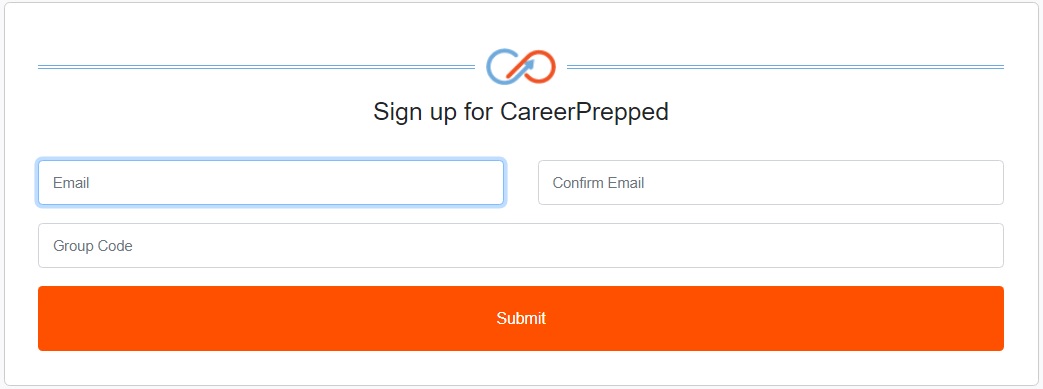
If a student/user signed up and forgot to use their group code, admins won't see the student/user in their admin panel user table. Don't worry – it's an easy fix. Just have them follow these steps:
Enter the email they used during signup
Input the correct group code
Click "Submit"
Our system will recognize if they already have an account. We'll send them an email with a confirmation link. They will simply check their email, click the link, log in with their credentials, and they'll be part of the group. Admins will spot them in their user table.