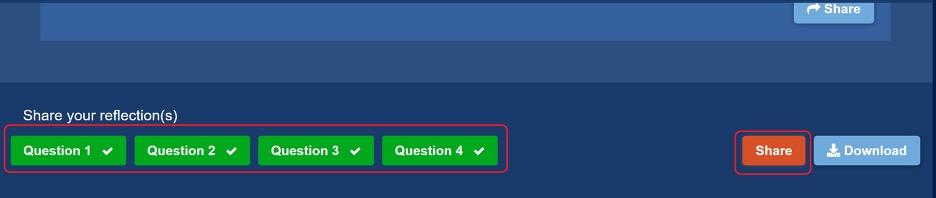
Users have two options for sharing their reflection responses directly with someone:
(1) Students can download their responses as a single Word document and submit it how they normally submit assignments to their teacher (via email to teacher or via the school's LMS). How students download their responses is in this help article.
(2) Once they've saved a response to each question, they can go to the bottom of the "Reflect & Practice" section of the Skill Builder, click on each question they want to share (1 through 4), click "Share”, and choose to share all four of their responses via email (refer to the screenshot below). They simply enter the email.